How to Add Your Own Music to 360 Booth Videos
Upload your own MP3, pick the part you want and set how long each 360 clip records, all from the Settings screen.
~3 min
Upload your music file
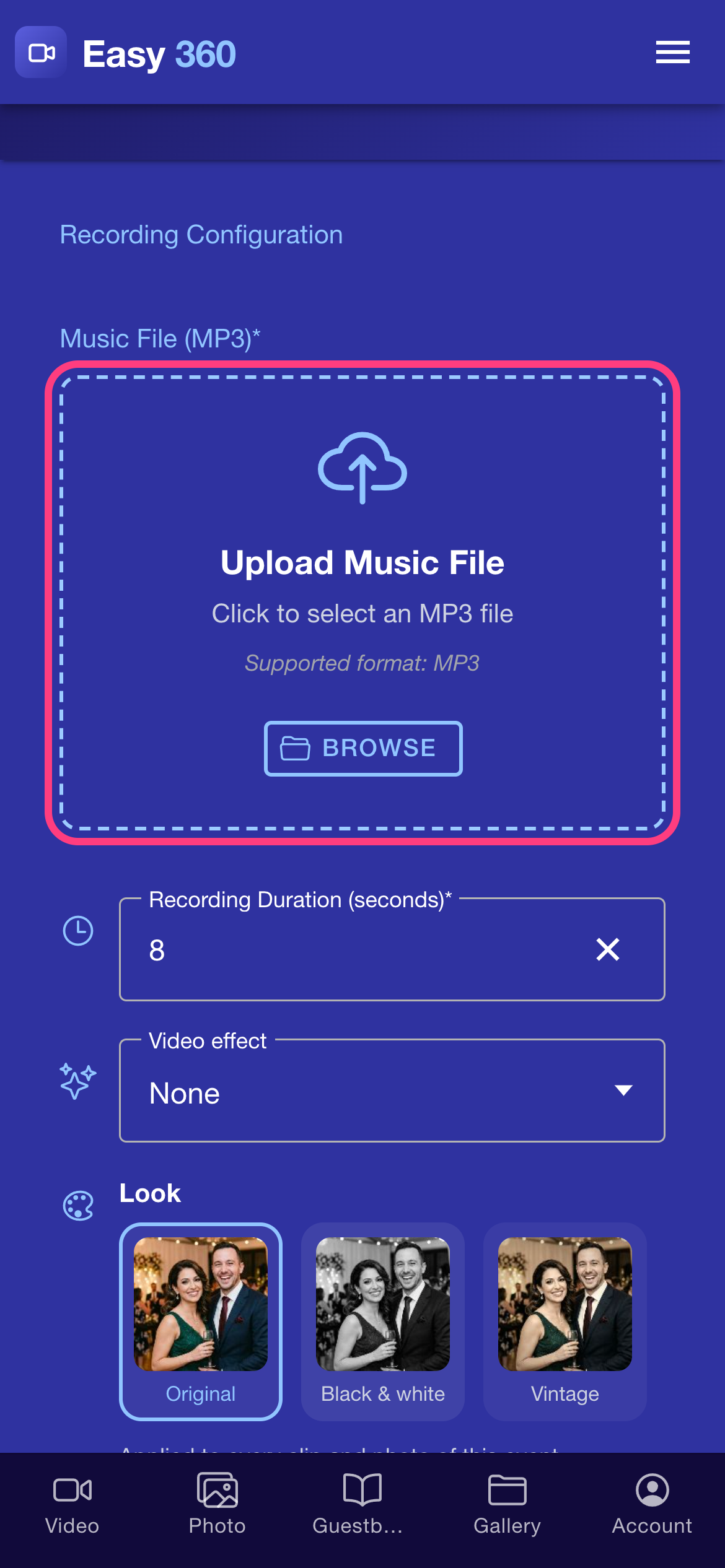
Open Settings from the menu. Under Recording Configuration, tap Upload Music File and choose an MP3 from your phone. Easy 360 has no built-in music library, so you always upload your own, and the music file is required.
Pick the part of the song
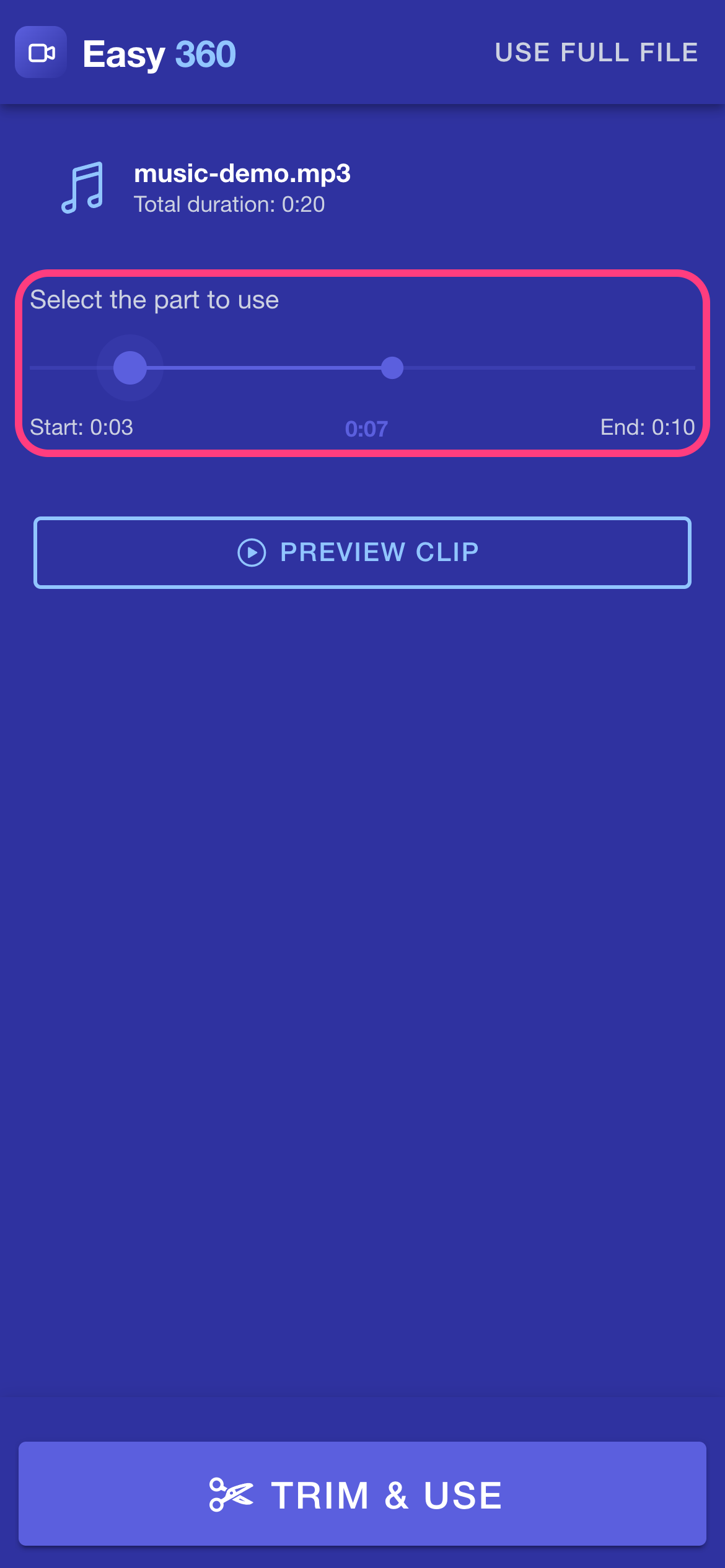
The Trim Music Clip window opens with your track. Drag the two handles to choose the Start and End of the part you want. The number in the middle shows how long your selection is.
Listen before you commit
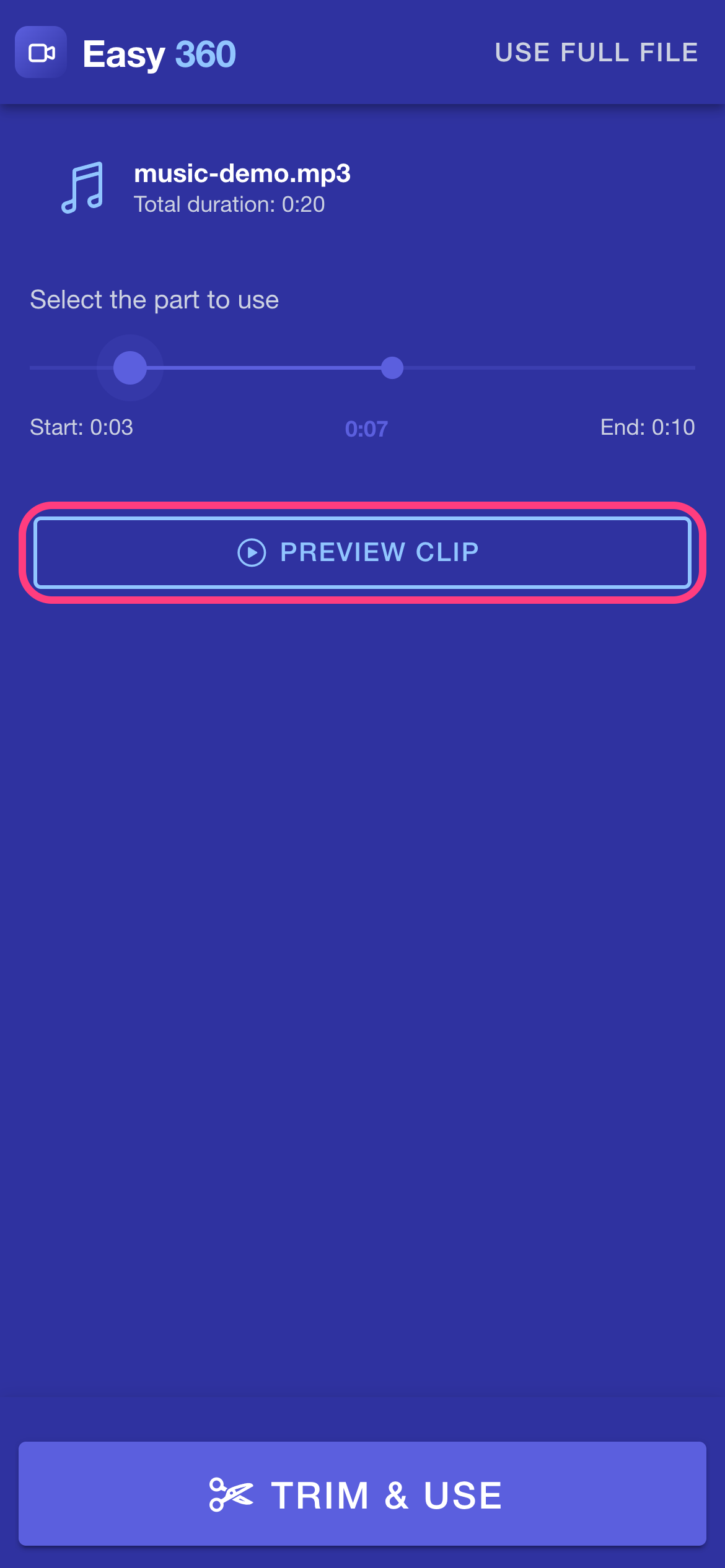
Tap Preview clip to hear only the selected part. Tap it again to stop. Adjust the handles until the start and end sound right.
Use the trimmed clip
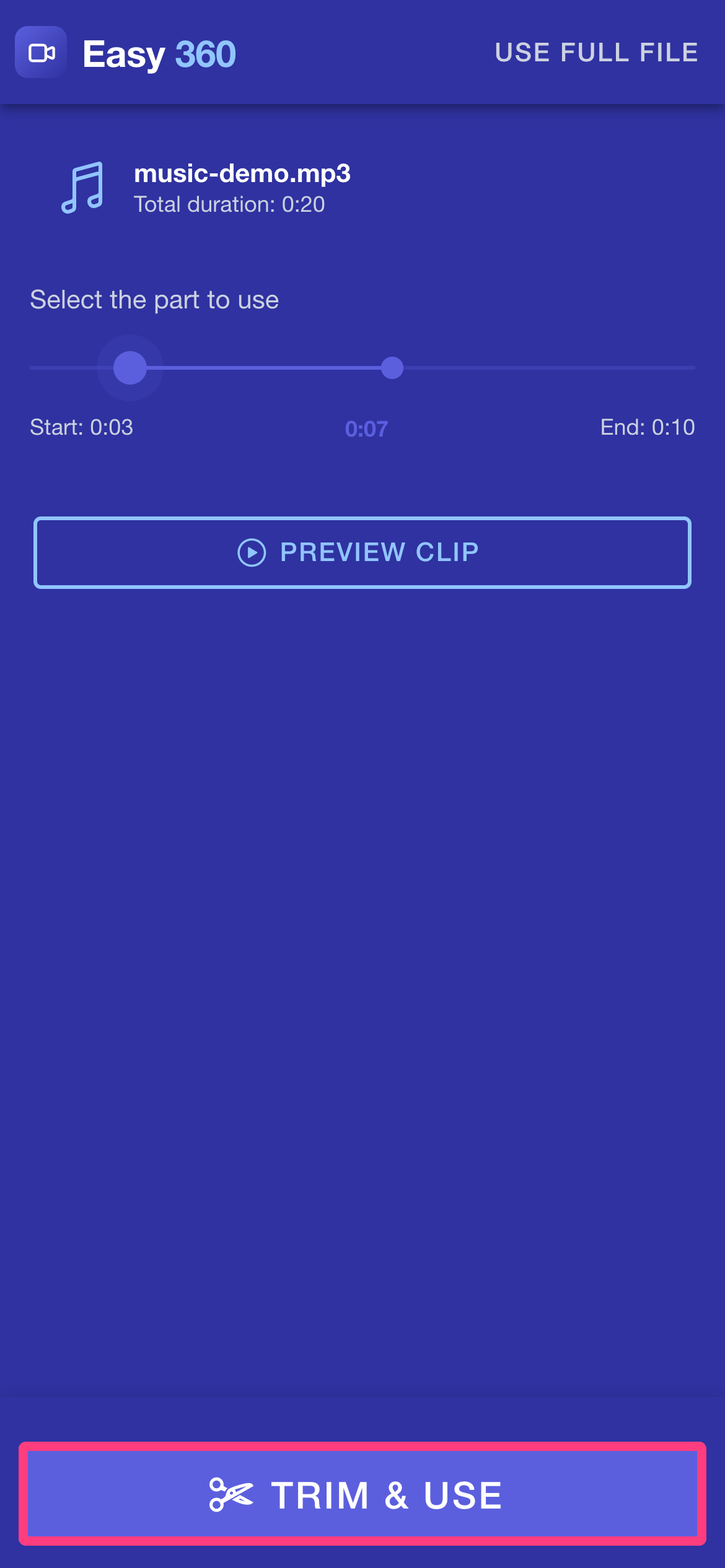
Tap Trim & Use to keep just your selection. If you want the whole song as it is, tap Use Full File at the top right instead.
Set the recording duration
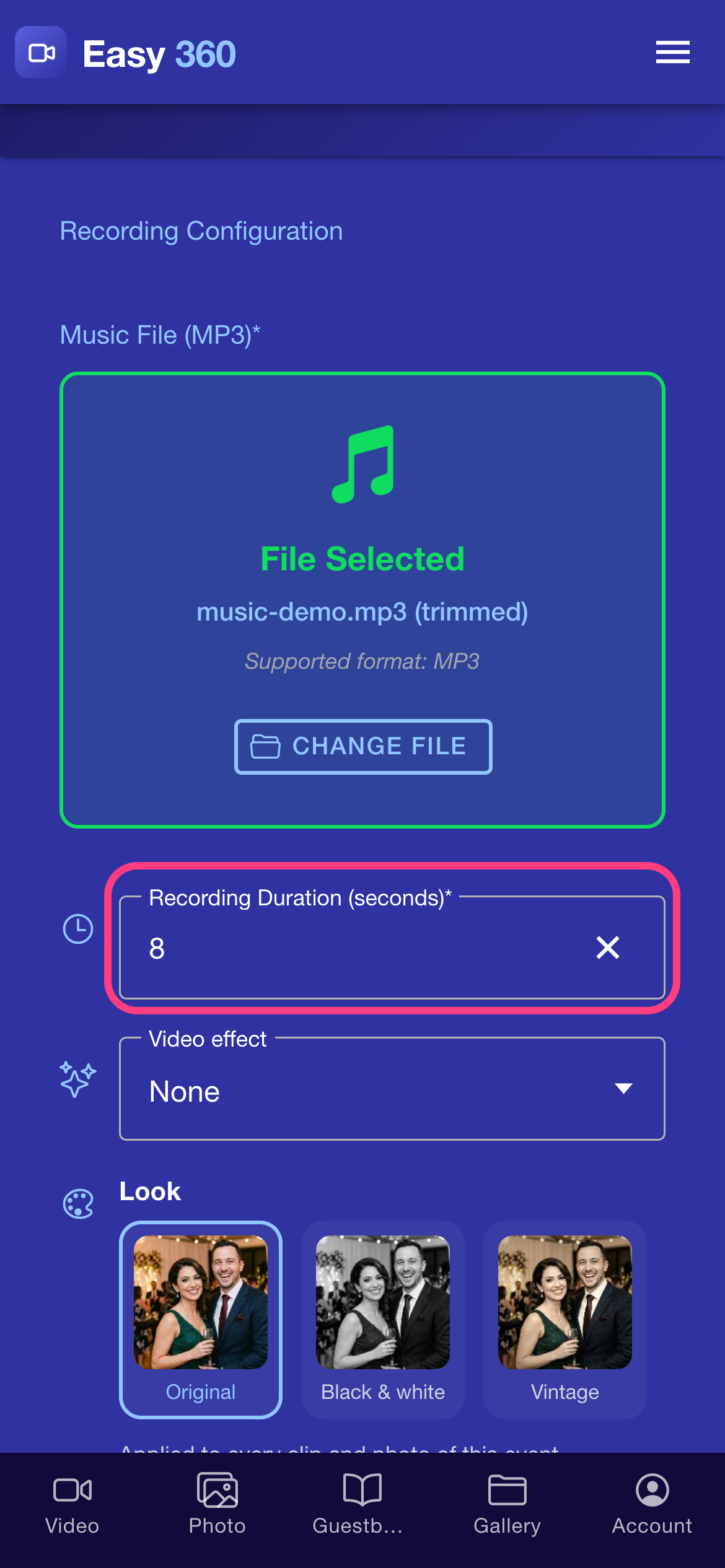
Back in Recording Configuration, your file shows as selected and the button now reads Change File, so you can swap it any time. The recording duration field is already set to 8 seconds. Keep it, or type any number of seconds from 1 to 20.
Save your settings
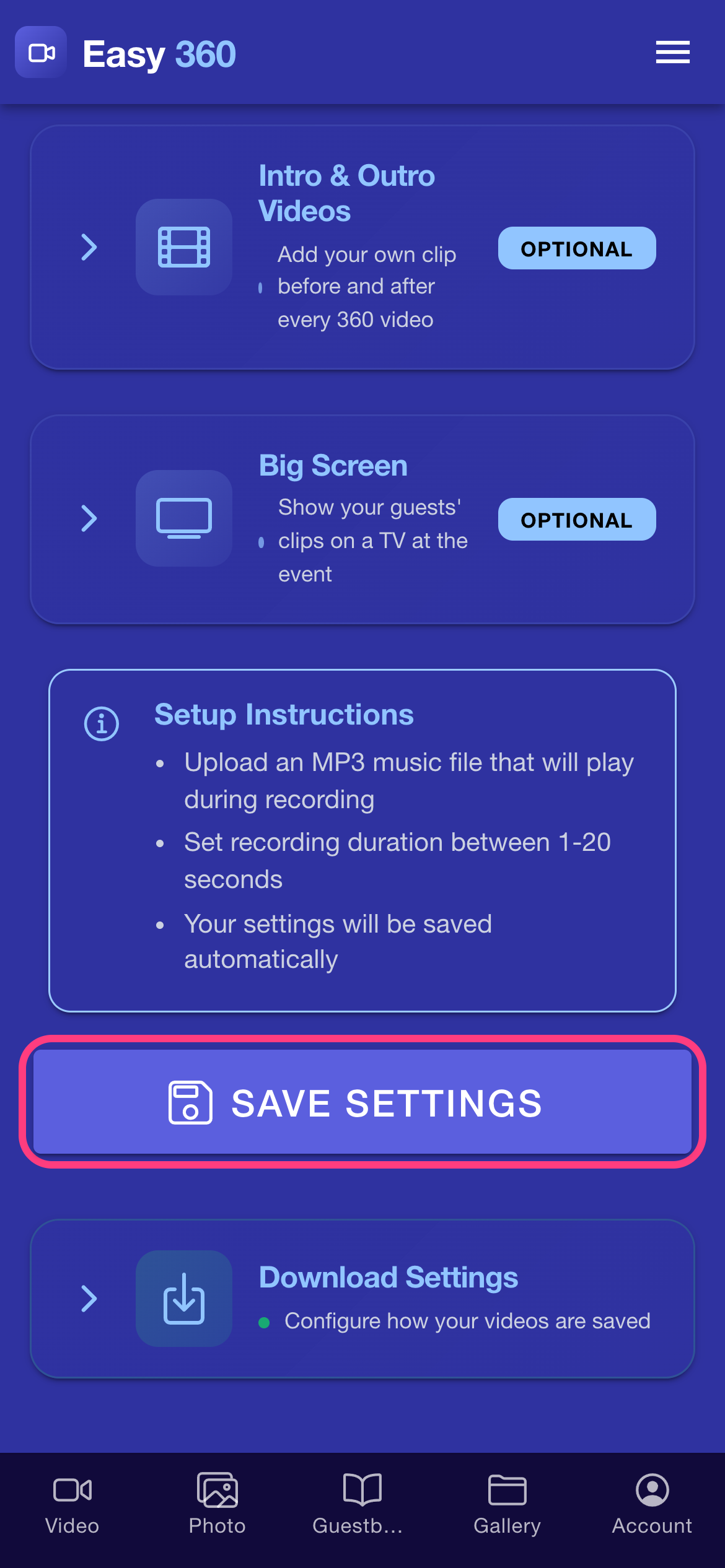
Scroll to the bottom and tap Save Settings. Every new 360 clip now plays your music.
Tips & troubleshooting
- Only use music you own or have a licence to use. You are responsible for the rights to every file you upload.
- Pick a part with a clear beat or a strong opening. Your guests hear it for only a few seconds.
- The track is trimmed on your phone before it is saved, so a long song is fine.
FAQ
Which music formats can I upload?
MP3 only.
Does Easy 360 include music I can use?
No. There is no built-in music library, so you upload your own MP3.
Can I run without music?
No. The music file is required in Recording Configuration, so choose a quiet or neutral track if you want something subtle.
How long can each clip be?
Between 1 and 20 seconds. You set it in the Recording Duration field.
What is the difference between Trim & Use and Use Full File?
Trim & Use keeps only the part between your Start and End handles. Use Full File keeps the whole track unchanged.
Related guides
Ready to try it on your own booth?
Run your first event with the phone you already own. Try Easy 360 free, no card required.
Open the web app