Setup Guides: Step-by-Step Help for 360 Booths
Short, screenshot-by-screenshot guides for every part of your 360 booth: branding, equipment, effects and guest delivery.
Looking for business tips? Blog →
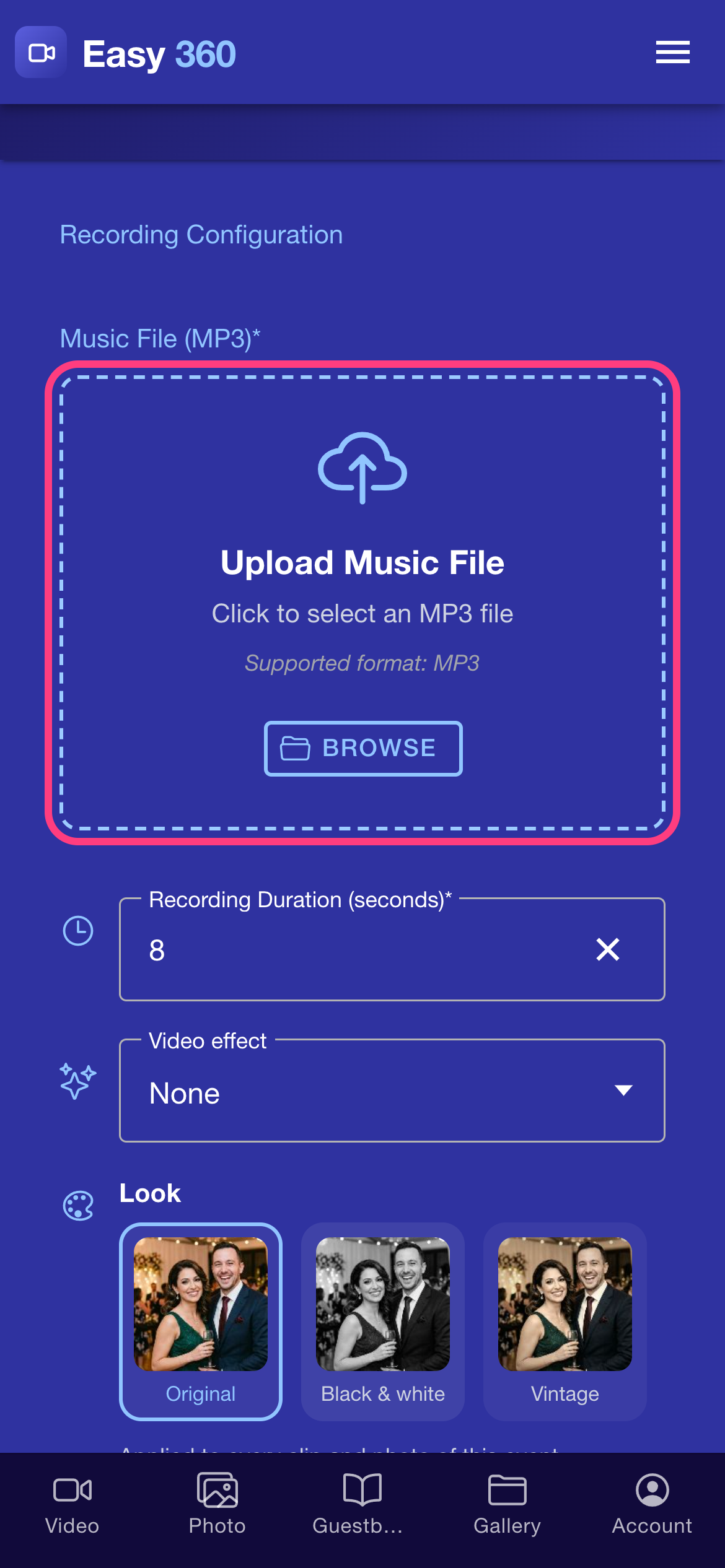
How to Add Your Own Music to 360 Booth Videos
Upload your own MP3, pick the part you want and set how long each 360 clip records, all from the Settings screen.
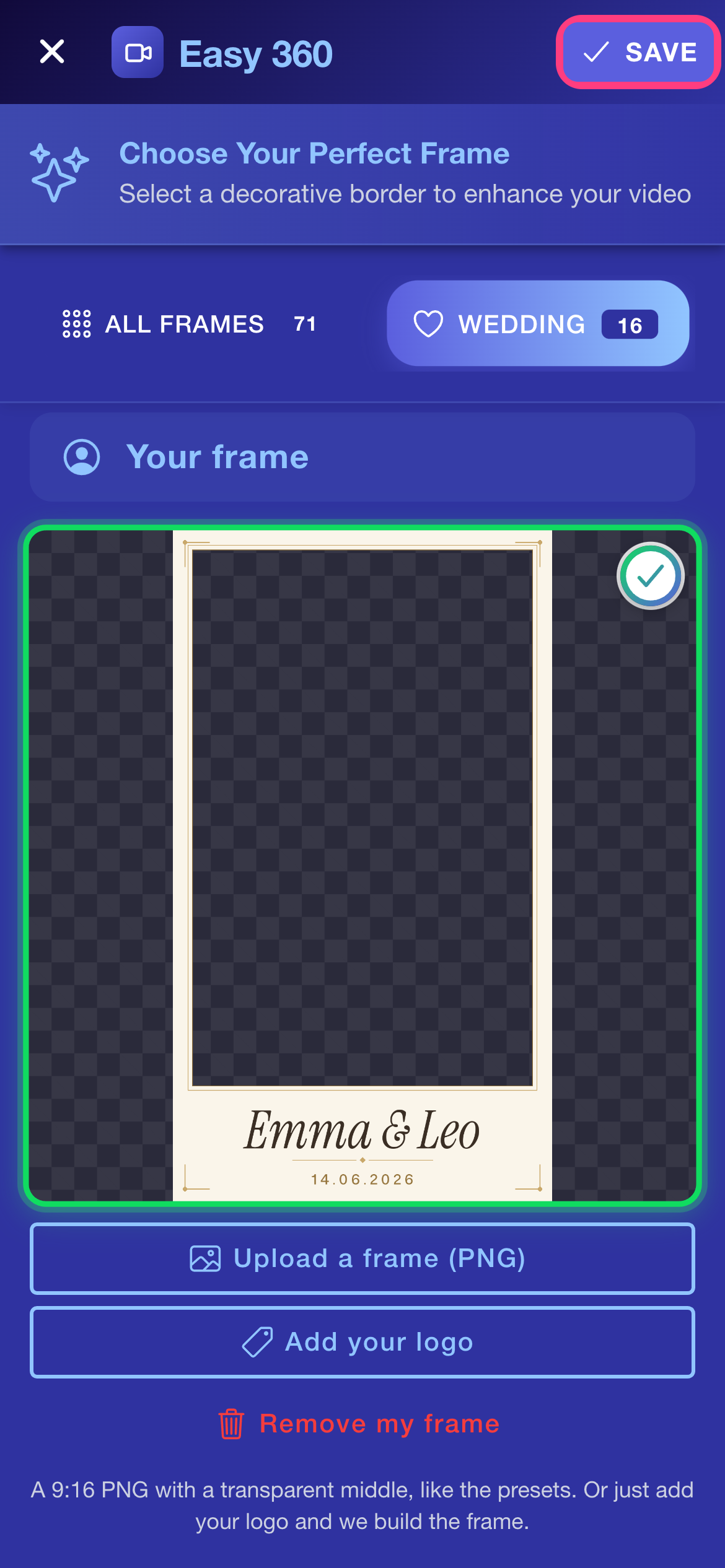
How to Add Your Logo or Frame to 360 Booth Videos
Put your own frame, logo and event text on every 360 clip, from the Settings screen of the app.
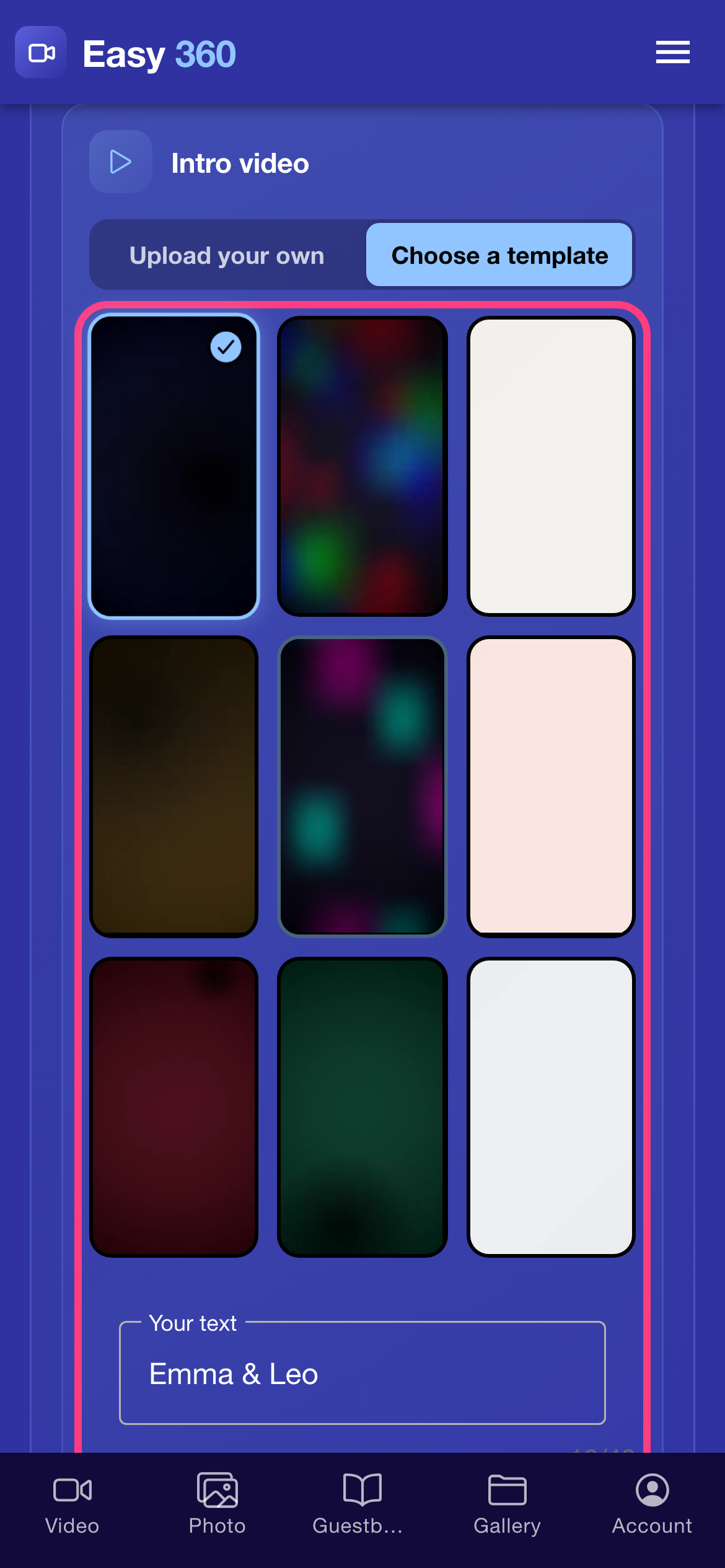
How to Add an Intro and Outro to 360 Booth Videos
Add a short branded clip that plays before (intro) and after (outro) every 360 video, either your own MP4 or a ready-made animated template with your text.
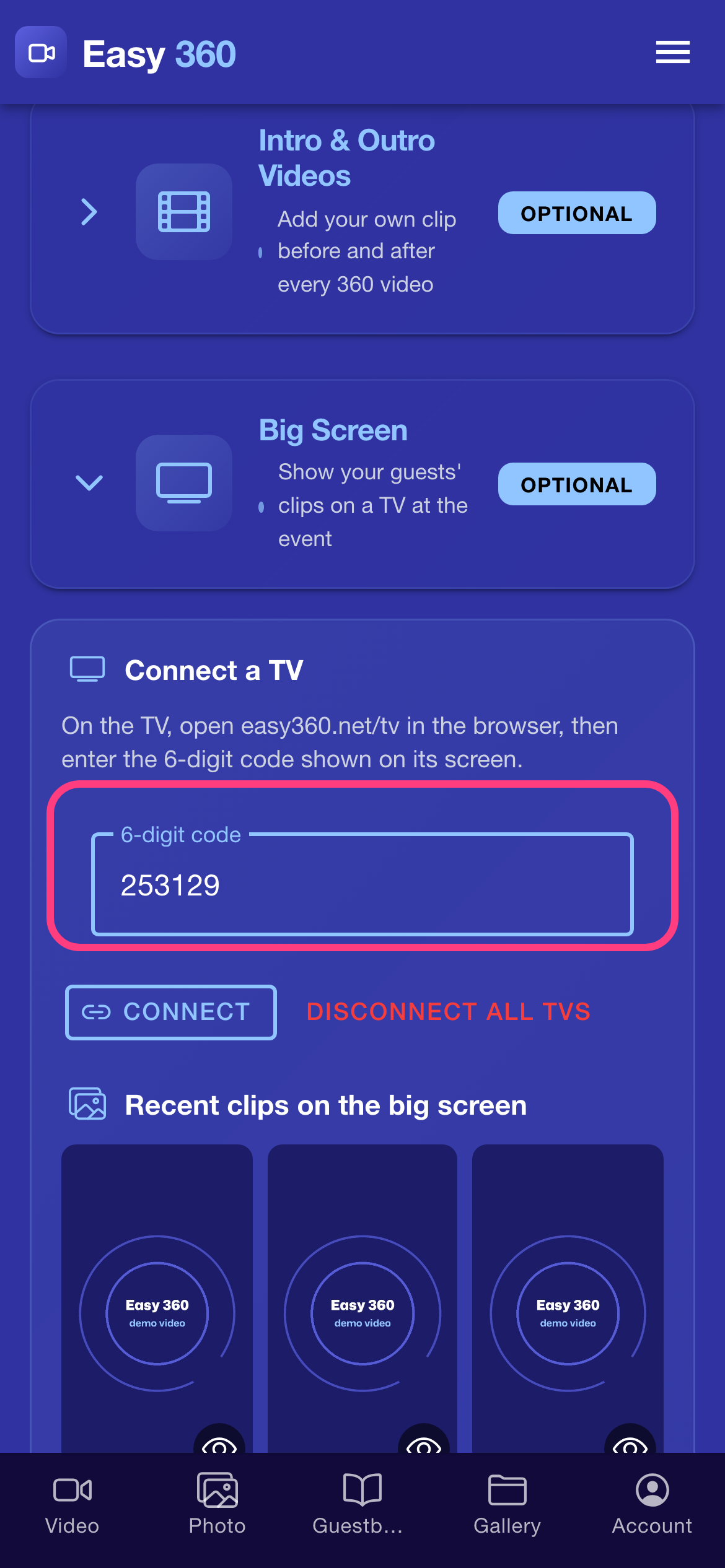
How to Show 360 Booth Videos on a TV (Big Screen)
Connect any TV with a web browser to your account with a 6-digit code, and it plays the latest 360 clips in a loop while new ones join by themselves.
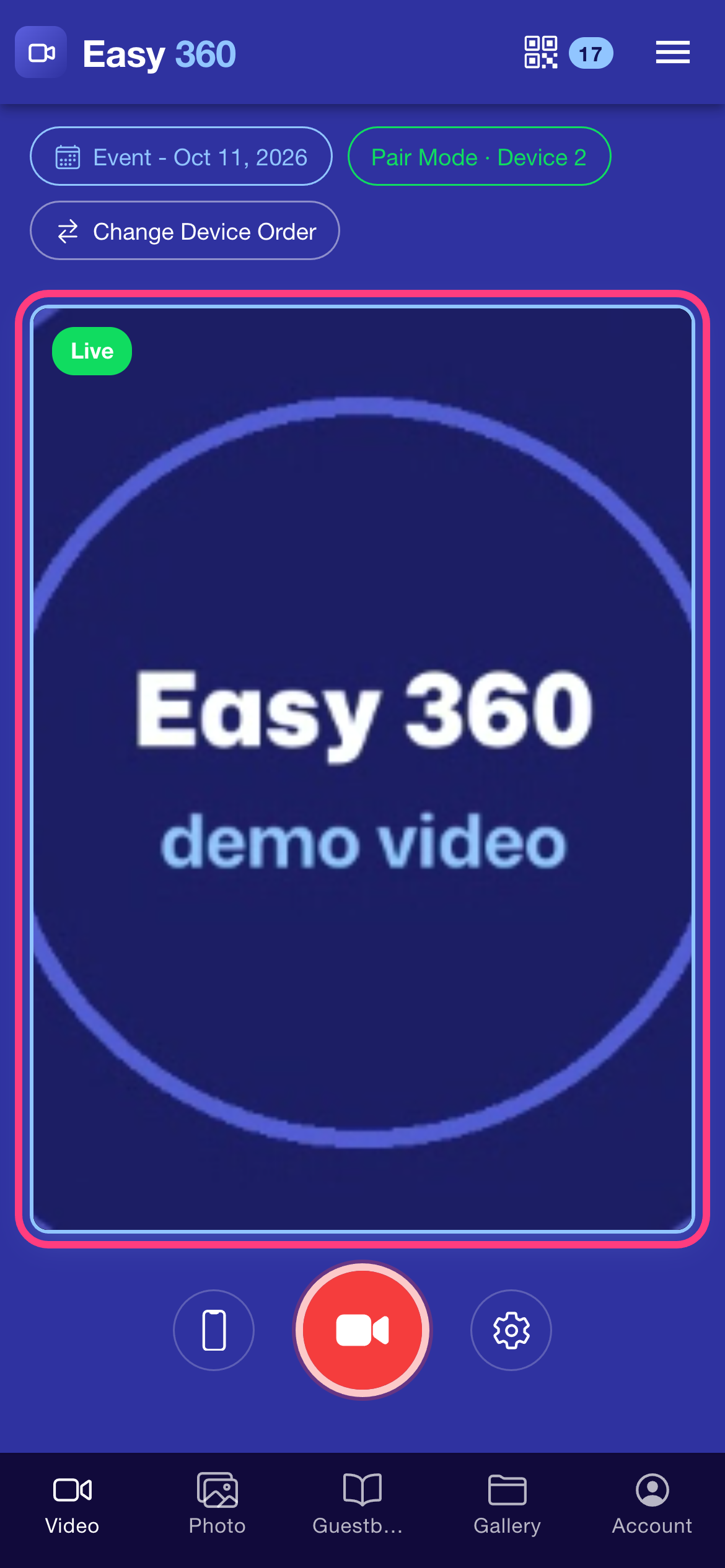
How to See a Live Preview of Your 360 Booth Camera
With two phones on one account, the controller phone shows a live picture from the camera phone on the arm, so you can frame guests and watch every spin.
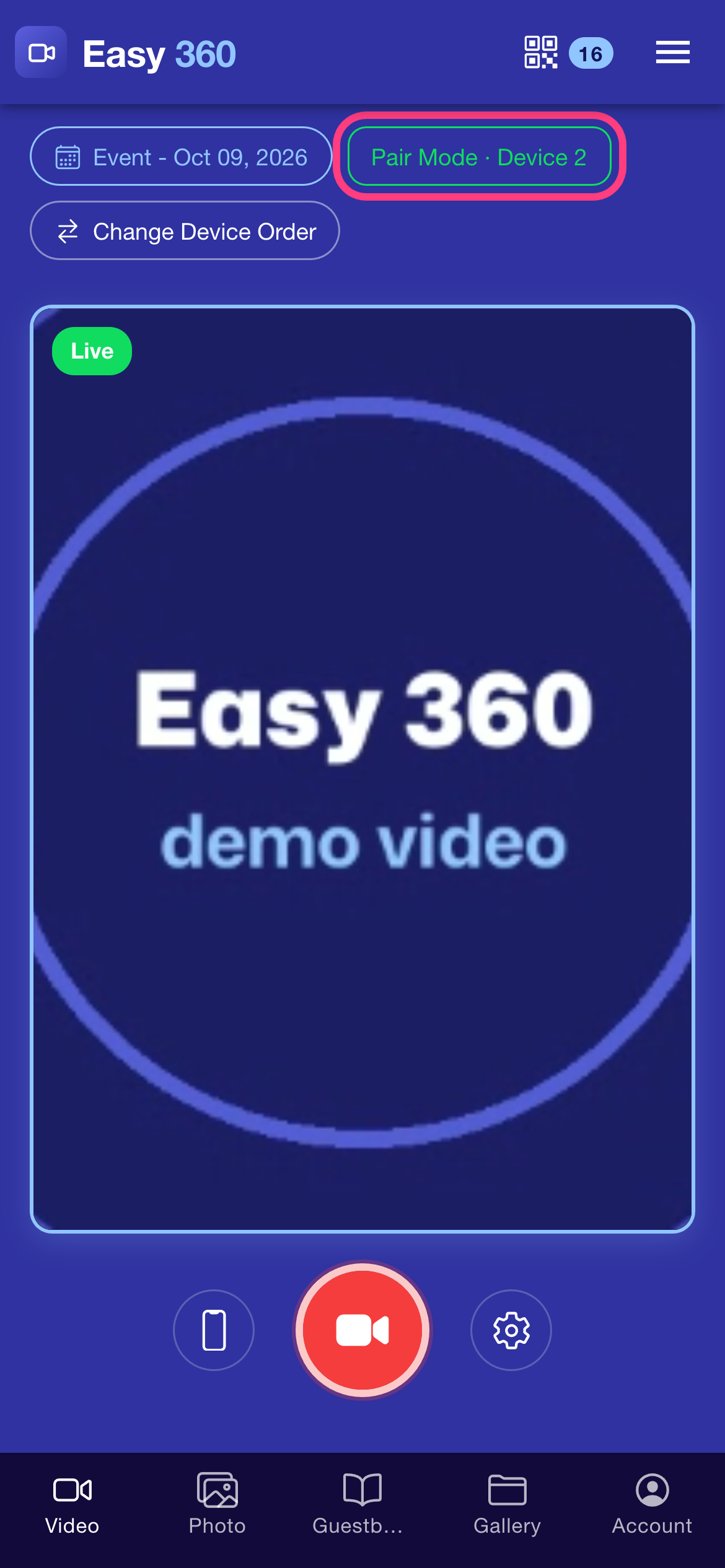
How to Use Two Phones as a 360 Booth (Pair Mode)
Use one phone as the camera on the booth arm and a second phone as the remote control that starts the recording and shows the guest QR code.
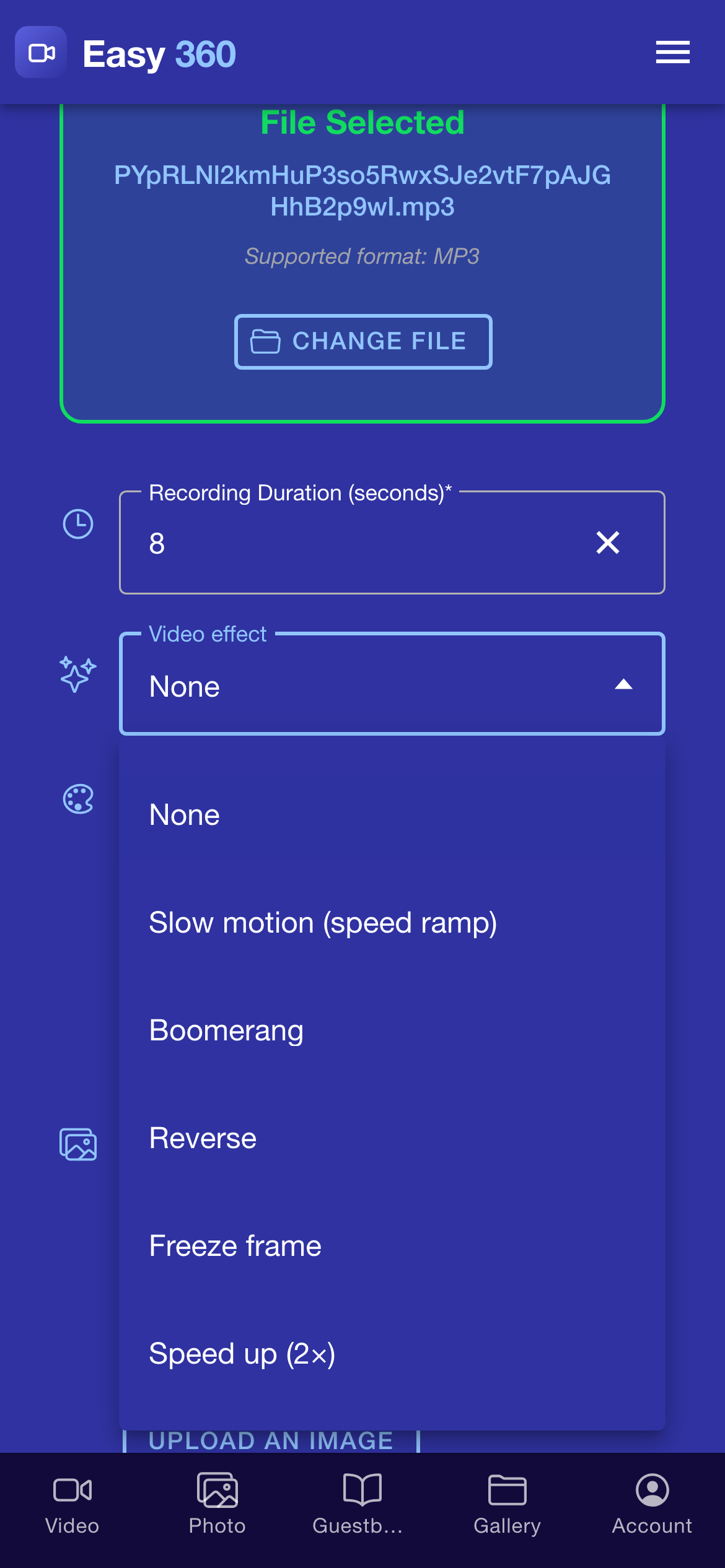
How to Add Slow Motion or Boomerang to 360 Videos
Pick one motion effect, such as slow motion or boomerang, and Easy 360 applies it to every clip it makes, with your frame and music on top.
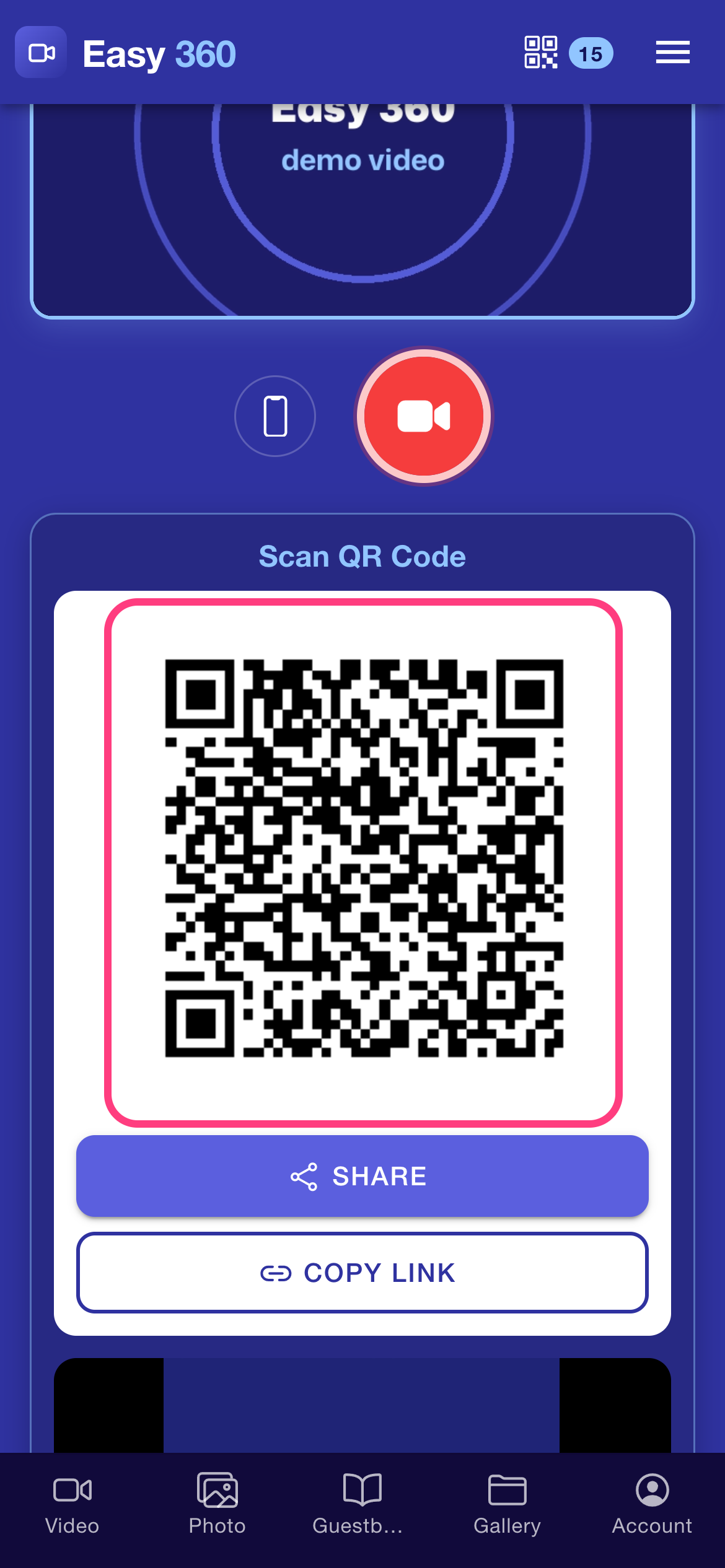
How to Share 360 Videos With Guests by QR Code
Set the event name, record a clip and hand your guest a QR code. Their phone opens a clip page with a player, Download and Share, no app needed.
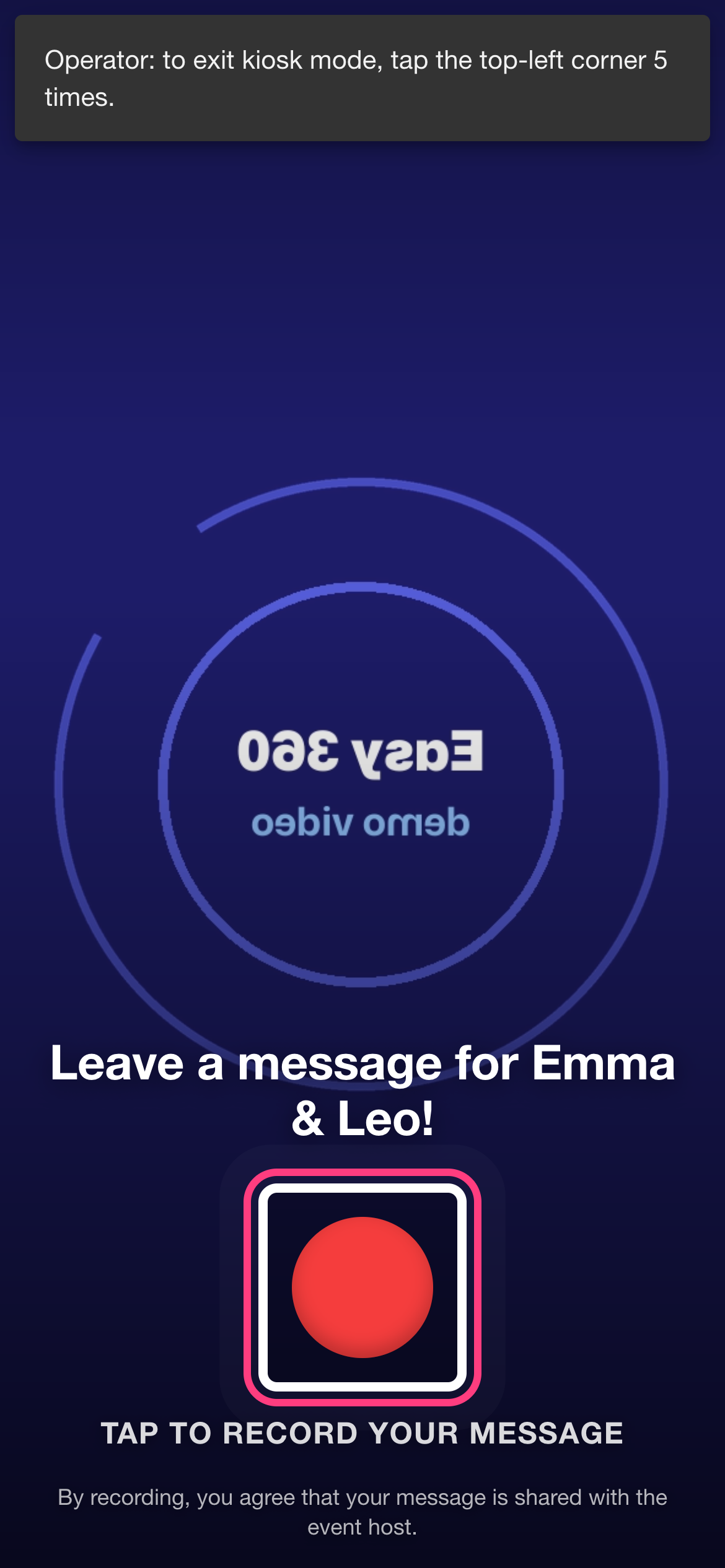
How to Set Up a Video Guestbook Kiosk
Create a guestbook event, hand a tablet or phone to your guests in kiosk mode, and collect their video messages in one gallery you can download.
New to Easy 360? Start with the quick start.
Ready to try it on your own booth?
Run your first event with the phone you already own. Try Easy 360 free, no card required.
Open the web app